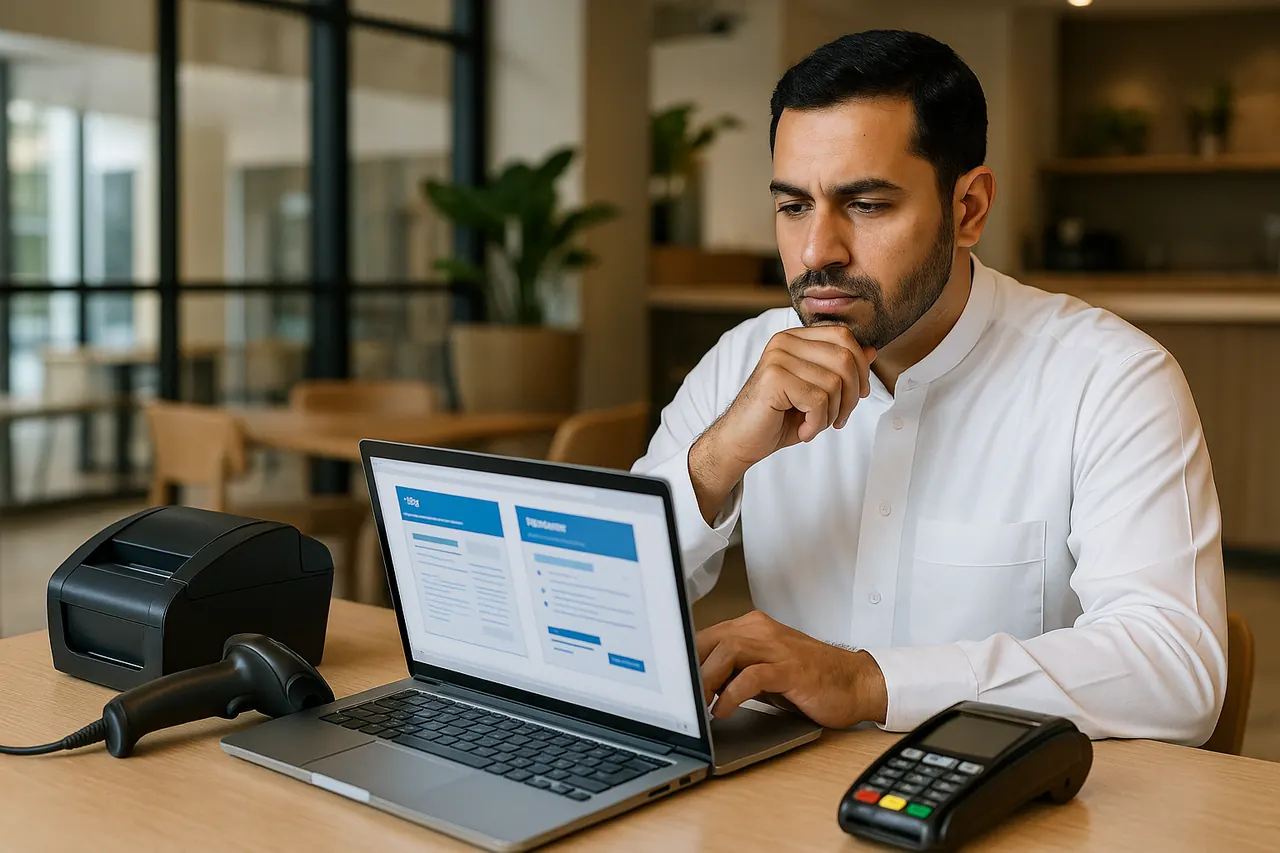
If you are comparing POS software in Abu Dhabi, the best starting point is not the cheapest monthly fee or the slickest demo. It is whether the system fits the way your business actually works. A retail counter, restaurant floor, salon front desk, and multi-branch operation all need different workflows, hardware, and reporting.
This guide gives you a practical shortlist process. You will see which questions to ask first, how to match a setup to your business type, which features and integrations affect daily operations, what costs to separate before comparing proposals, and what to confirm in writing before you sign. FTOM also presents CRM and POS software solutions in the UAE, including restaurant POS, beauty salon POS, and payment integration.
Choose by operating model first
Before you compare suppliers, decide which description fits your business best. This changes what you should ask for in a demo and what counts as a good fit.
Business typeWhat to prioritiseWhy it mattersRetail shopBarcode billing, inventory control, outlet reporting, scanners, receipt printers, cash drawers, or scalesRetail operations depend on quick item handling and accurate stock movement. Zoho POS features highlight billing, inventory, hardware, outlets, and reporting for this kind of setup.Restaurant or cafeTable flow, kitchen or bar printing, split bills, dine-in and takeaway handlingFood-service workflows need different logic from standard retail. Odoo restaurant documentation shows floors, tables, order routing, and kitchen printing as core functions.Salon or appointment-led serviceAppointments, customer records, payment handling, front-desk workflowService businesses need bookings and customer history to work alongside checkout. FTOM's software solutions page presents beauty salon POS as a setup for appointments, customer records, and payments.Multi-branch businessLocation controls, branch reporting, stock visibility across outletsExpansion creates reporting and stock-control problems if the software was built only for a single counter. Zoho POS includes multi-outlet management, making branch structure a key buying point.The practical rule is simple: choose software built around your operating model, not just the payment screen.
The key questions to ask before choosing a POS system
1 What workflow is this system really built for
A restaurant setup and a retail setup may both process sales, but they do not solve the same daily problems. Restaurant-focused systems may need menu handling, table service, kitchen routing, and split bills. Retail-focused systems may need barcode scanning, stock counts, shelf-to-checkout speed, and price updates.
Official vendor documentation often separates these workflows. Square explains separate advanced capability bundles for Inventory, Bookings, and Restaurants, while Odoo's POS documentation also distinguishes general POS from restaurant-specific use.
Why it affects your decision: if a supplier is trying to force your process into a generic setup, staff usually end up relying on workarounds, extra steps, or separate tools.
2 Which features are included and which cost extra
Broad feature lists can be misleading if important tools sit behind another plan, add-on, or activated module. Square states that some advanced capabilities require activation and some features depend on subscription level.
Why it affects your decision: a low starting price can become expensive if bookings, restaurant tools, extra outlets, or reporting only appear after upgrades.
3 Will it work with your exact hardware
Why it affects your decision: software value changes immediately if the project also requires replacing printers, scanners, drawers, displays, or scales from day one.
4 Can it produce VAT ready receipts or invoices for your workflow
For UAE businesses, POS output is not only an operational detail. Receipt and invoice content has to support tax documentation properly. The UAE Federal Tax Authority tax invoice guidance sets out required invoice elements businesses need to handle correctly.
Why it affects your decision: if the system cannot reliably support your VAT document needs, staff may need to correct or recreate documents outside the POS.
5 What support is included after go live
Two systems can look similar in a demo but differ sharply in rollout and post-launch support. Oracle's restaurant cloud service description is a useful example of how implementation scope, customer responsibilities, and escalation arrangements can materially affect the engagement.
Why it affects your decision: unclear support terms before signing often lead to slower issue resolution later.
Which features are worth checking first
Not every business needs the same mix, but these areas change the buying decision most often.
Billing and checkout
Ask how the system handles normal sales, discounts, refunds, printed receipts, and payment collection. Zoho POS features list billing, payment acceptance, offline billing, and receipt printing among core functions.
Inventory and barcode workflows
If stock control matters, verify whether scanning and item identification are part of the real workflow rather than just a sales bullet point. Zoho Inventory's barcode documentation explains barcode and QR generation, label printing, and scan-based item selection during transactions.
Reporting
Reporting determines how useful the system is to owners and managers after launch. Check item performance, outlet reports, and the level of visibility management gets by branch or period. Odoo's POS documentation and Square's reporting resources both show reporting as a core part of day-to-day value.
Customer records and CRM connection
Businesses that rely on repeat customers should confirm whether sales connect properly to customer profiles. FTOM's software solutions page presents CRM and POS together, which is relevant when checkout and customer management need to support each other.
Appointments
If bookings drive revenue, appointment control matters as much as billing. FTOM describes its beauty salon POS as a system that helps manage appointments, payments, and customer records on one workflow on the software solutions page.
Restaurant table and kitchen management
Food-service businesses should ask to see order flow, kitchen or bar printing, and split-bill handling in the demo. Odoo's restaurant documentation shows why these are core workflow questions, not minor extras.
Multi location control
If you run more than one outlet, confirm permissions, stock visibility, and reporting by location. A system that works well for one branch can become restrictive quickly when expansion starts.
How to compare value instead of headline price
Comparison areaChoose this whenAvoid this whenBusiness fitThe software has a native mode for your workflow, such as retail, restaurant, or appointmentsYou would need several workarounds for routine tasksIncluded modulesThe features you need are already in scopeImportant tools only appear as later add-onsHardware reuseYour current printers, scanners, drawers, or scales are supportedYou would need immediate hardware replacementSupport coverageSetup, training, and post-launch support are written clearlySupport is described only in broad sales languageRollout effortThe provider can explain configuration, testing, and handover steps clearlyThe implementation plan is vagueTotal cost clarityThe proposal separates software, hardware, setup, and extrasYou only receive a broad package figure without detailThis framework matters because scope and fit usually create more long-term cost than the headline subscription alone.
What cost components should be confirmed before you buy
Even when a provider does not publish a standard package price, you can still compare proposals properly by asking for the same cost categories every time.
- Software subscription or licence: including the exact plan tier and any extra module.
- Hardware: terminals, tablets, printers, cash drawers, barcode scanners, scales, or kitchen printers.
- Setup or implementation: configuration, branch setup, testing, and go-live assistance.
- Training: staff onboarding, manager training, and admin handover.
- Support: what is covered after launch and through which channel.
- Upgrades or maintenance: where ongoing software upkeep affects responsibility or cost.
- Integrations: accounting links, payment connections, ecommerce sync, or other connected tools.
FTOM's earlier POS pricing article also notes that setup, training, support, and integration can materially affect total cost.
Which integrations and operational checks deserve extra attention
Integrations often decide whether a POS system keeps operations simple after launch or creates more manual work.
Payment integration
FTOM states that its POS solution can integrate with multiple payment gateways and track transactions in real time on its software solutions page. If payment flow matters to your business, ask which devices or gateways are part of the planned setup and how the transaction record appears in daily use.
Accounting workflow
Ask how sales, refunds, and tax information move into your accounting process. FTOM's earlier POS article notes that integration with accounting software can affect project cost.
VAT document handling
Ask for a live sample of the receipt or invoice output you would use in practice. The FTA tax invoice guidance is the reference point for what the system needs to support.
Barcode and hardware workflow
If your operation depends on scanning or weighed items, ask to see those exact tasks in the demo using the hardware model you plan to use. That check is often more useful than a generic feature list.
Kitchen or station printing
Restaurants should ask how orders reach the right preparation point, not only whether the system can print a receipt. Odoo's restaurant features show kitchen or bar routing as part of restaurant workflow design.
What to ask about rollout and staff use
A suitable system can still create problems if rollout responsibilities are unclear. Ask these questions before you commit:
- Who handles setup and configuration?
- What training is included for staff and managers?
- How will daily users learn the exact checkout or service process?
- How will support be requested after launch?
- What happens if a device or connection problem interrupts billing?
You do not need every provider to use the same delivery model, but you do need each one to explain responsibilities clearly in writing. Oracle's service description is a useful reminder that implementation and support scope can differ materially between providers.
What should be confirmed in the proposal or contract
Before you commit, ask for a written scope that covers the operational and commercial details below.
- Exact software edition or subscription being supplied
- Included modules and any paid add-ons
- User, terminal, or location limits
- Hardware list and who supplies it
- Implementation tasks included in the quoted scope
- Training deliverables
- Support terms after go live
- Integration scope and exclusions
- Renewal terms or recurring charges
- Upgrade or maintenance responsibilities
- Any exclusions, assumptions, or change-request charges
FTOM's earlier POS guide also advises buyers to check hidden fees, support structure, training, and integration costs before deciding.
Warning signs that a POS option may be a poor fit
- The supplier cannot clearly explain which setup suits your business model.
- Important features are promised verbally but not demonstrated clearly.
- VAT-ready receipt or invoice output is not shown.
- Branch reporting or multi-location control is vague for a multi-outlet business.
- Support and rollout responsibilities are not defined.
- The price looks attractive only because setup, hardware, or integration work is outside the quote.
These warning signs matter because long-term POS frustration rarely starts at the payment screen. It usually starts where fit, scope, and operational detail were not checked properly at the buying stage.
An illustrative shortlist example
Example: a business owner in Abu Dhabi runs two retail outlets and expects online sales to matter later.
- Confirm outlet-level stock and reporting support.
- Check whether current scanners, printers, and drawers are supported.
- Review receipt or invoice output against VAT document needs.
- Ask how sales and stock data connect to the wider business workflow.
- Request a written cost breakdown covering software, hardware, setup, training, support, and integrations.
In that situation, a simple single-counter checkout tool may look cheaper at first but create more limits as the business grows.
The most useful next step if you are shortlisting providers
Prepare one short requirements list and send the same version to each provider. Include:
- Your business type
- Number of outlets or branches
- Whether you need retail, restaurant, or appointment-led workflow
- Hardware you already use
- Whether you need payment integration
- Whether you need accounting or customer-management links
- Your need for VAT-ready receipt or invoice output
Then ask each provider for a live demo based on your real workflow and a written scope with the total cost broken down clearly. If you want to review a provider-led option, start with FTOM's software solutions page and then use the contact details to share your business type, number of locations, current hardware, and the workflow you need.
Frequently asked questions
Do all POS systems suit both restaurants and retail shops
No. Vendor documentation such as Odoo's restaurant features and Square's capability guide shows that restaurant and retail operations often need different feature sets.
What matters more than the monthly software price
Business fit, included modules, hardware reuse, implementation effort, support coverage, and integration requirements often affect total value more than the headline subscription alone.
What should I send in my first enquiry
Send a short summary of your business type, number of outlets, current hardware, and the workflow you need. That makes demos and proposals easier to compare.
Contact Us
Contact our team using the details below.